How to Reset Your Password
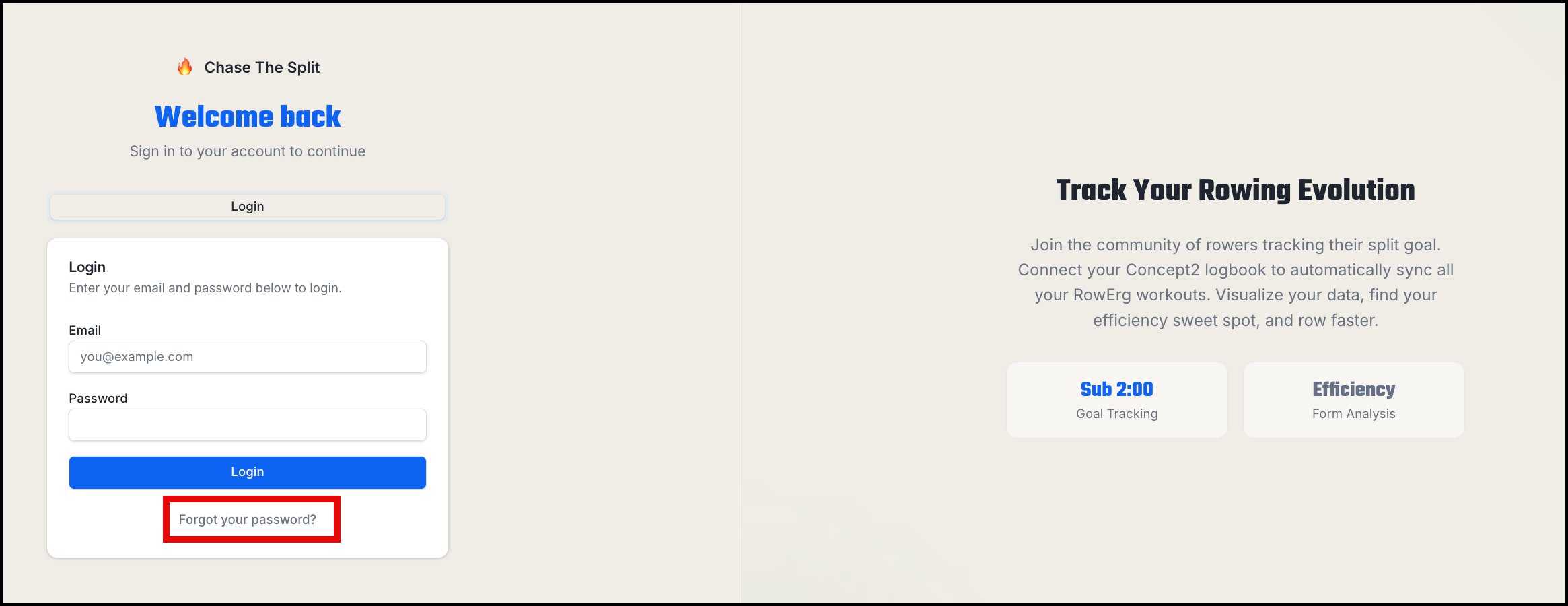
Locked out? Chase The Split gives you two ways back in: an email reset code, or your security question. Both start from the "Forgot your password ?" link on the login page.
Option 1 — Email reset code
- On the login page, click the "Forgot our password ?" link.
- Choose the email reset option.
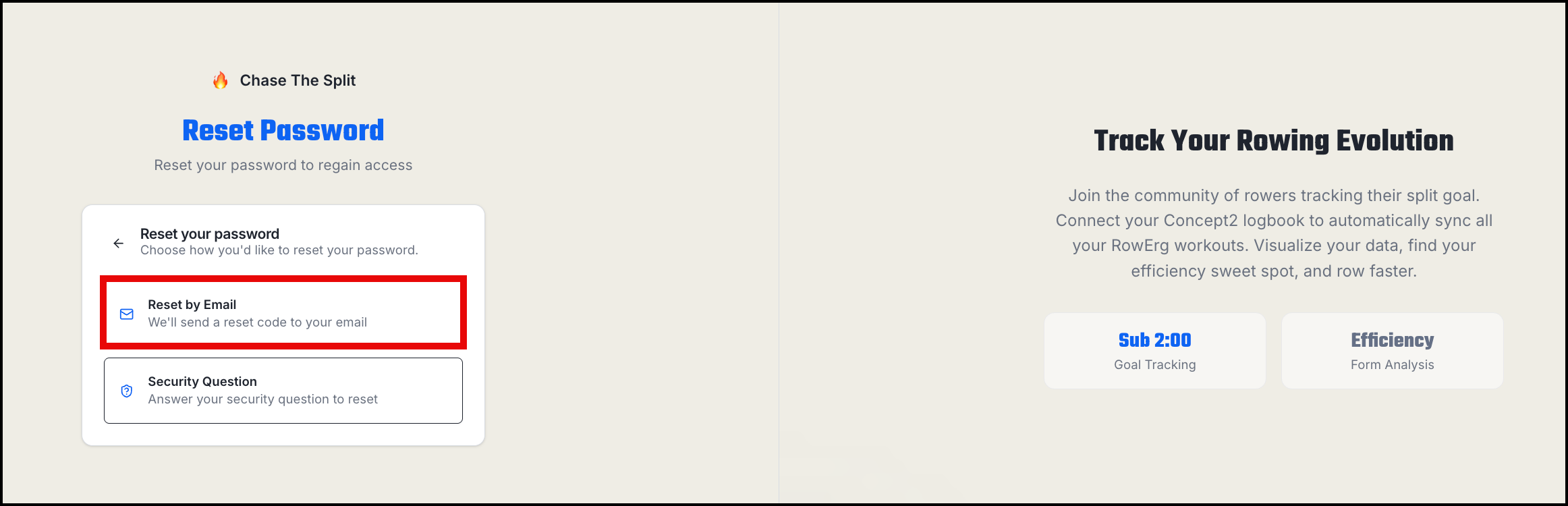
- Enter the email address on your account and submit. If an account with that email exists, we'll send a six-character reset code.
- Check your inbox (and spam folder) for the code.
- Enter the code along with your new password.
A few things to know about reset codes:
- Codes expire after 15 minutes. If yours has expired, just request a new one.
- Each code works once. After a successful reset, the code can't be reused.
- If you request multiple codes, use the most recent one.
Option 2 — Security question
If you set a security question when you created your account, you can use it instead:
- On the login page, click the "Forgot our password ?" link.
- Choose the security question option.
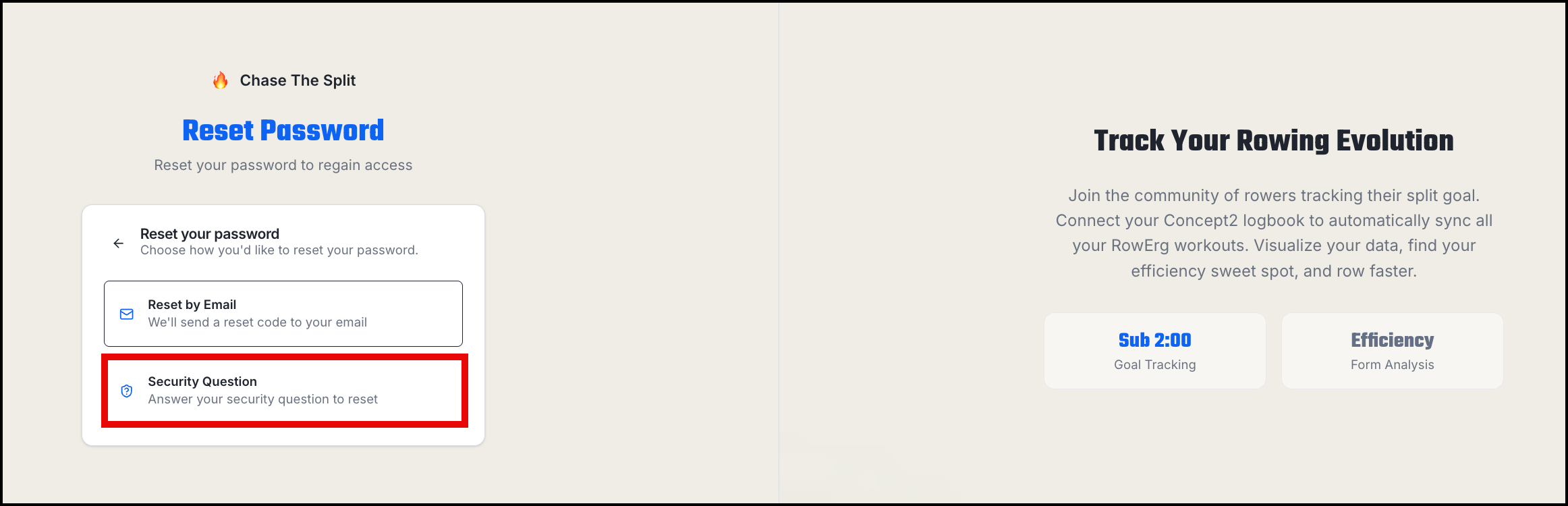
- Enter your username (not email) — we'll show you your security question.
- Enter your answer and your new password. Answers aren't case-sensitive.
Note: Newer accounts don't have security questions (we no longer ask for one at signup), so if you see a message saying no security question is set, use the email reset instead.
Tips if you're stuck
- Too many attempts in a short window will be rate-limited — wait a few minutes and try again.
- If you never receive the email, double-check you're entering the exact email address on your account.
- Still locked out? Contact support and we'll help you recover access.